SMBcrm has updated the Facebook integration to improve setup and give users more context in Click-to-Messenger conversations.
What Changed
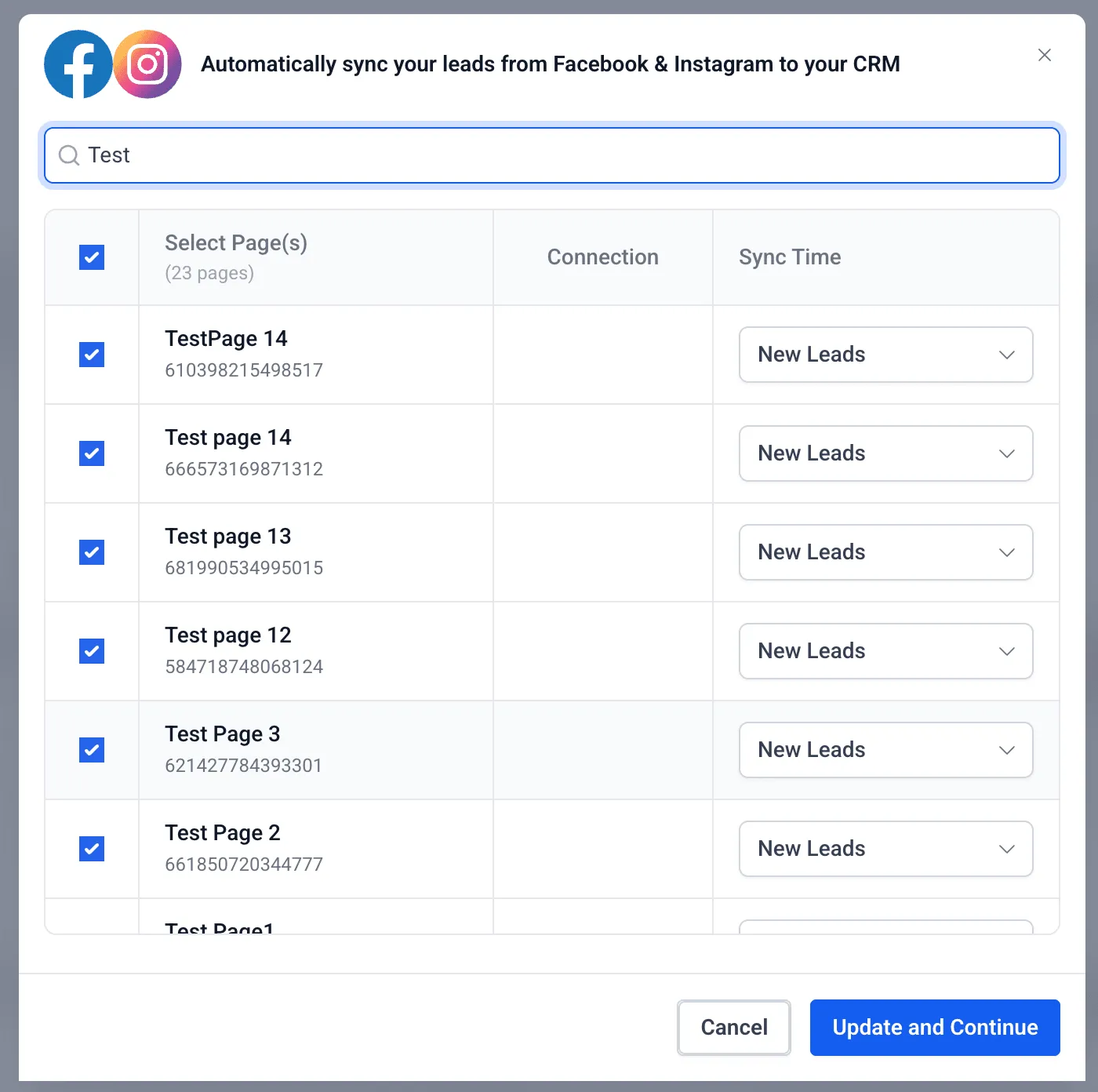
Easier search for Pages and Ad Accounts
Users can now search Facebook Pages and Ad Accounts by name to find the right option faster during setup.
Search becomes available after all Pages are loaded, since Facebook does not provide native search support for this use case. Because the search runs on already loaded data, accounts with a large number of Pages may take longer to finish the initial loading step before search is available.
More context for Click-to-Messenger conversations
Click-to-Messenger flows now support ad images. This helps users identify the specific ad creative that started a conversation.
Why It Matters
- Faster selection of the correct Facebook Page or Ad Account
- Better visibility into which ad or creative drove a lead or conversation
In Case You Missed It
You can also read about Contact Tag Trigger Adds Configuration Safeguards.
Need Help Applying This Update?
If you’d like help rolling this out in SMBcrm, visit Support or request a demo.