Associate Companies with Custom Objects and Opportunities
SMBcrm now supports direct company associations with custom objects and opportunities. This update gives teams more flexible ways to map relationships across the CRM and manage related records in one place.
What changed
You can now:
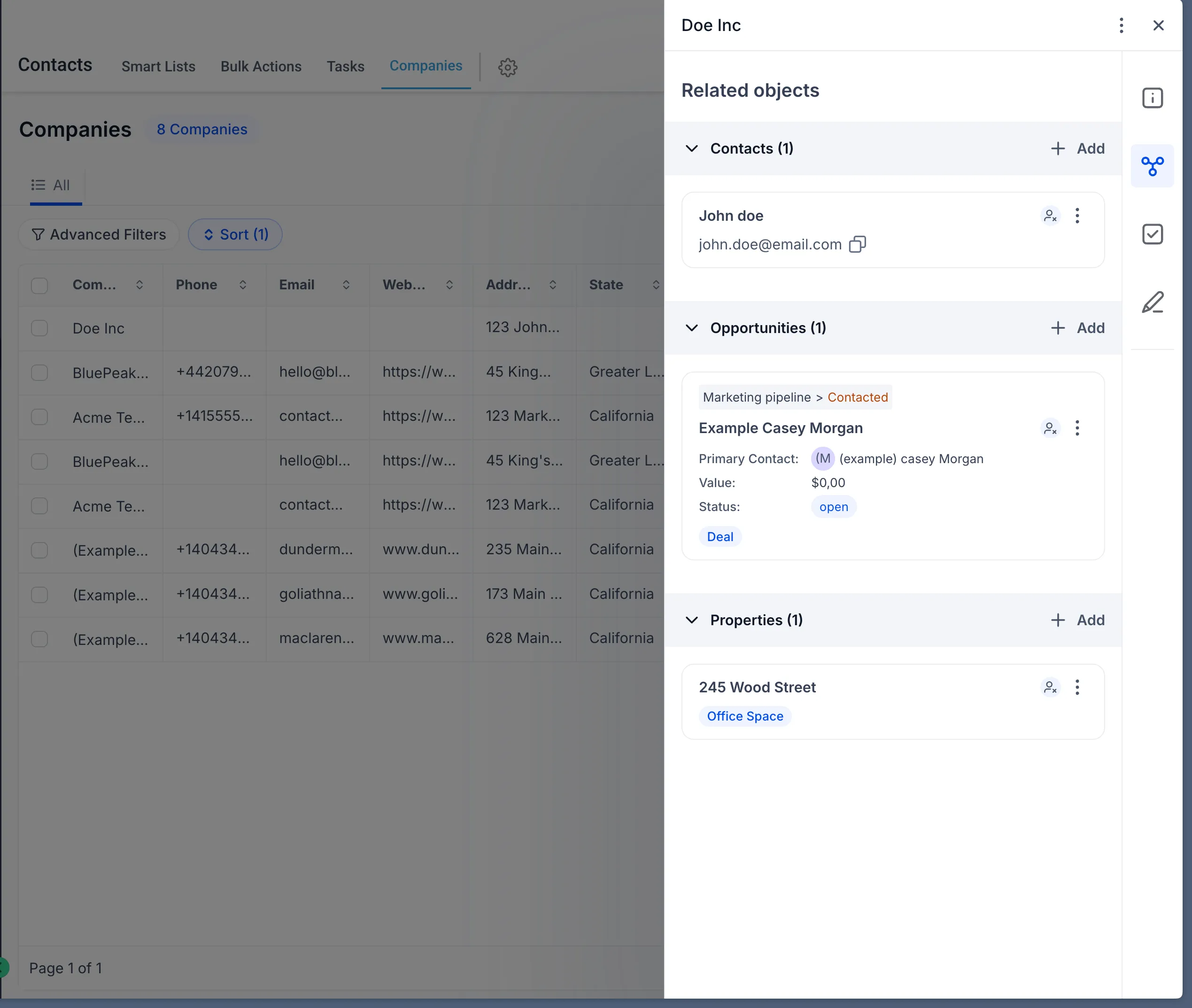
- Associate companies with custom objects
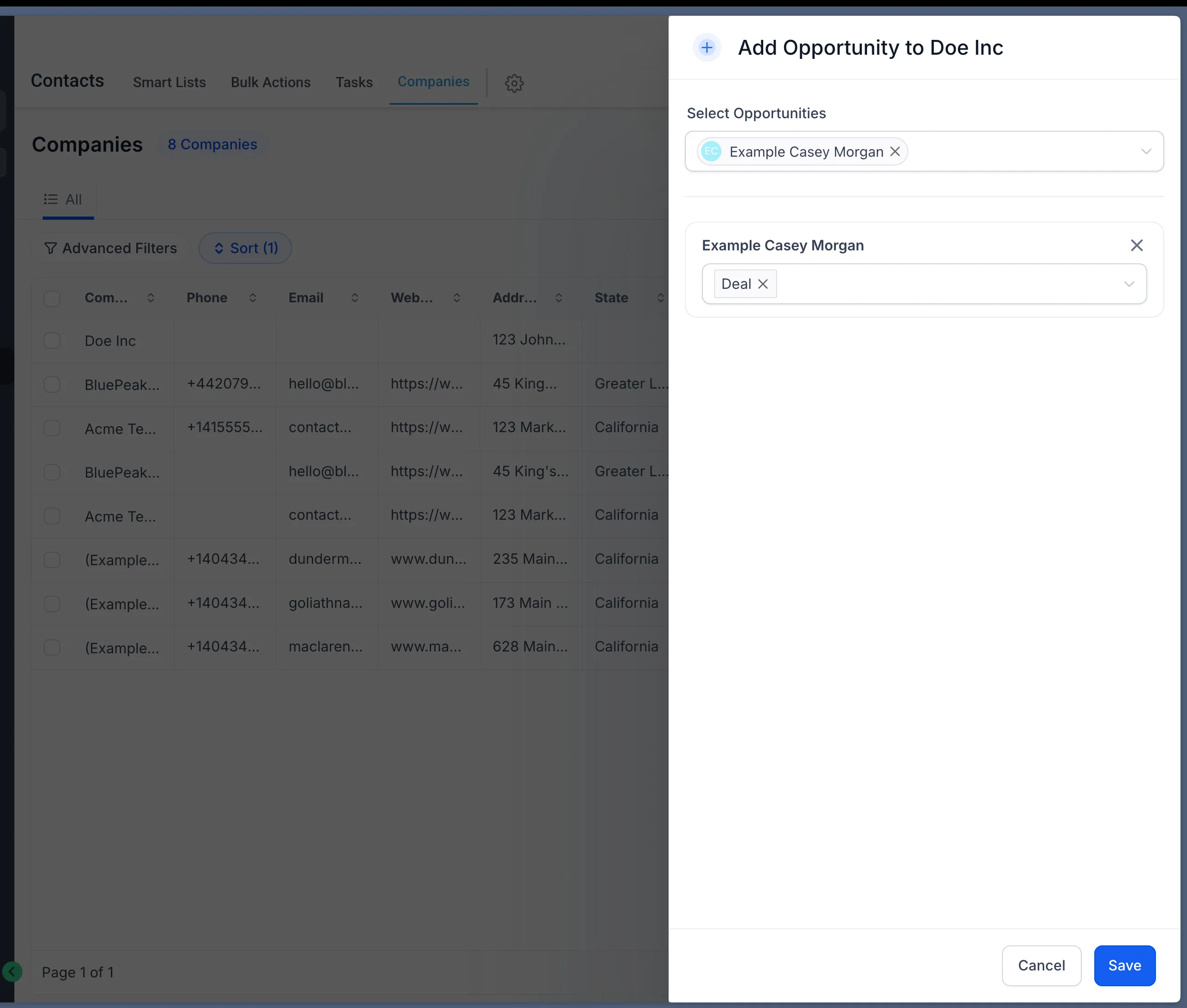
- Associate companies with opportunities
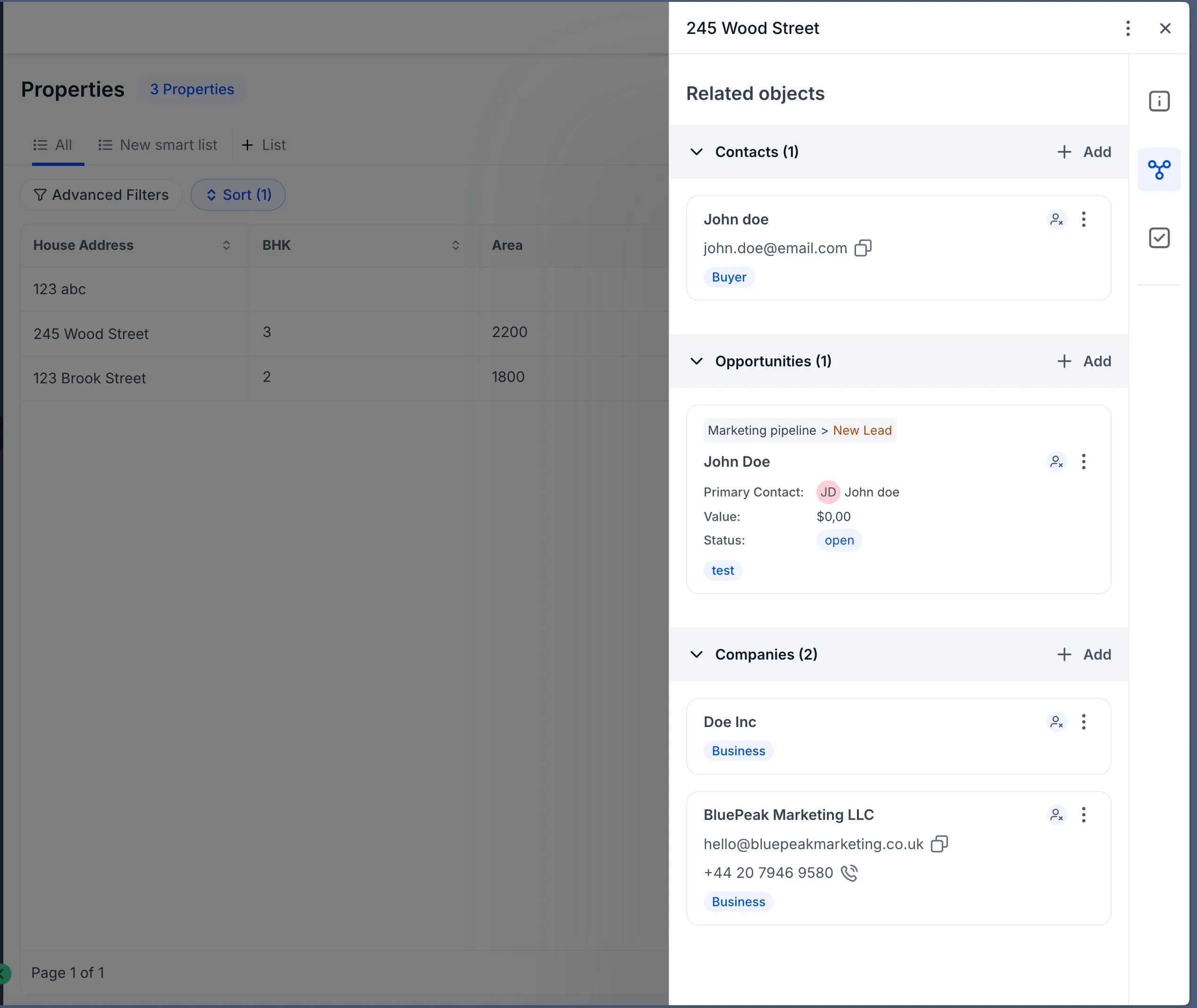
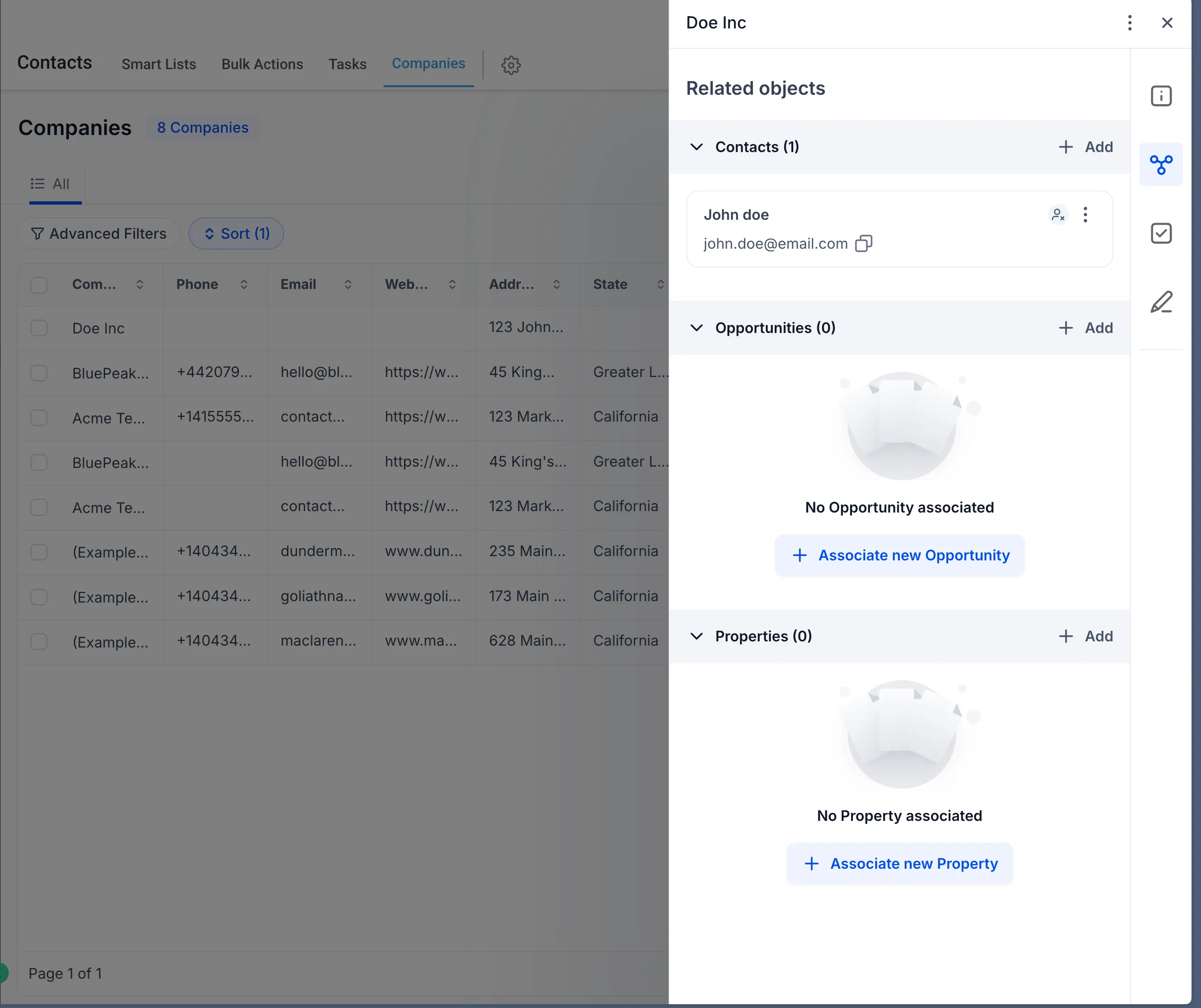
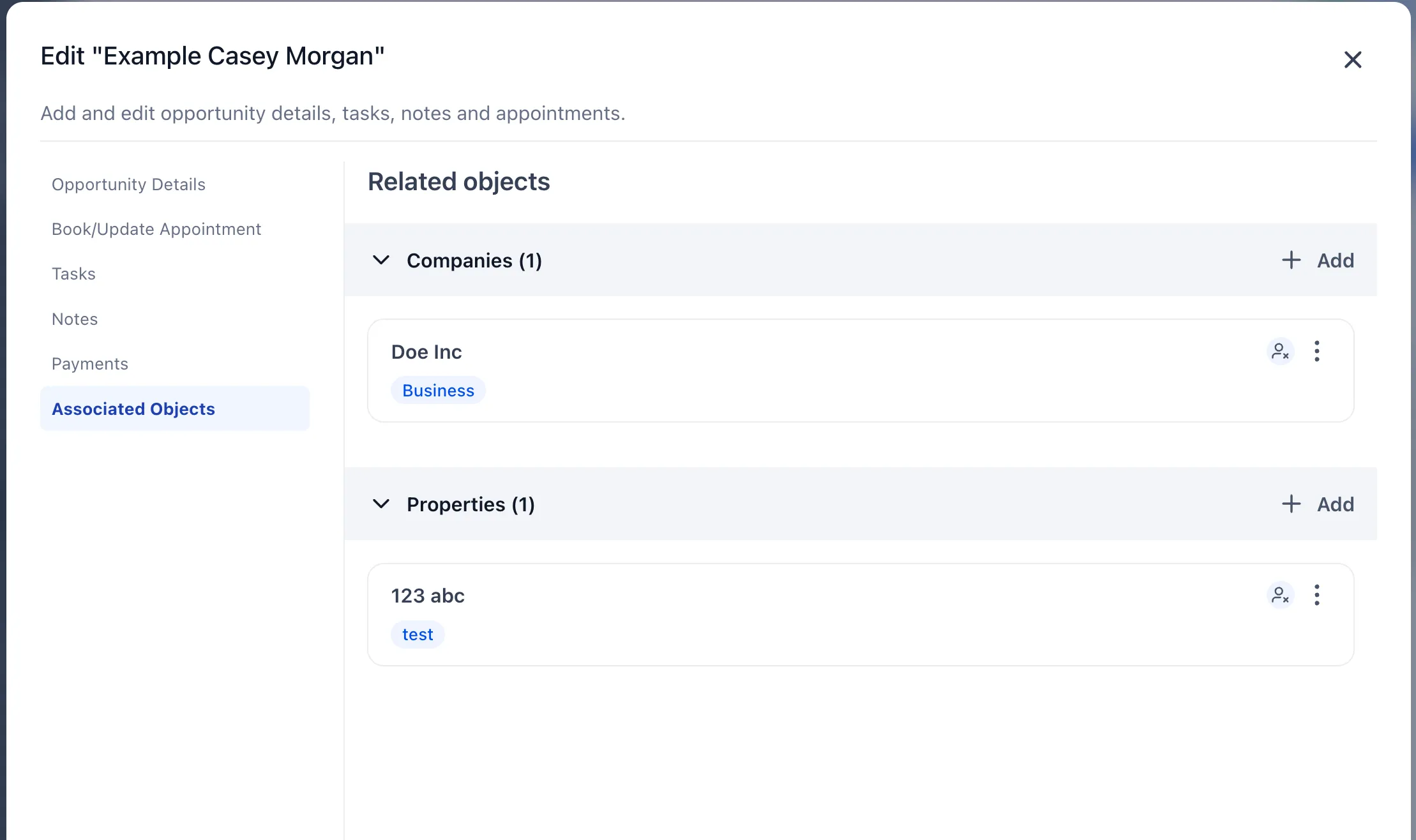
- View and manage these relationships directly in record views
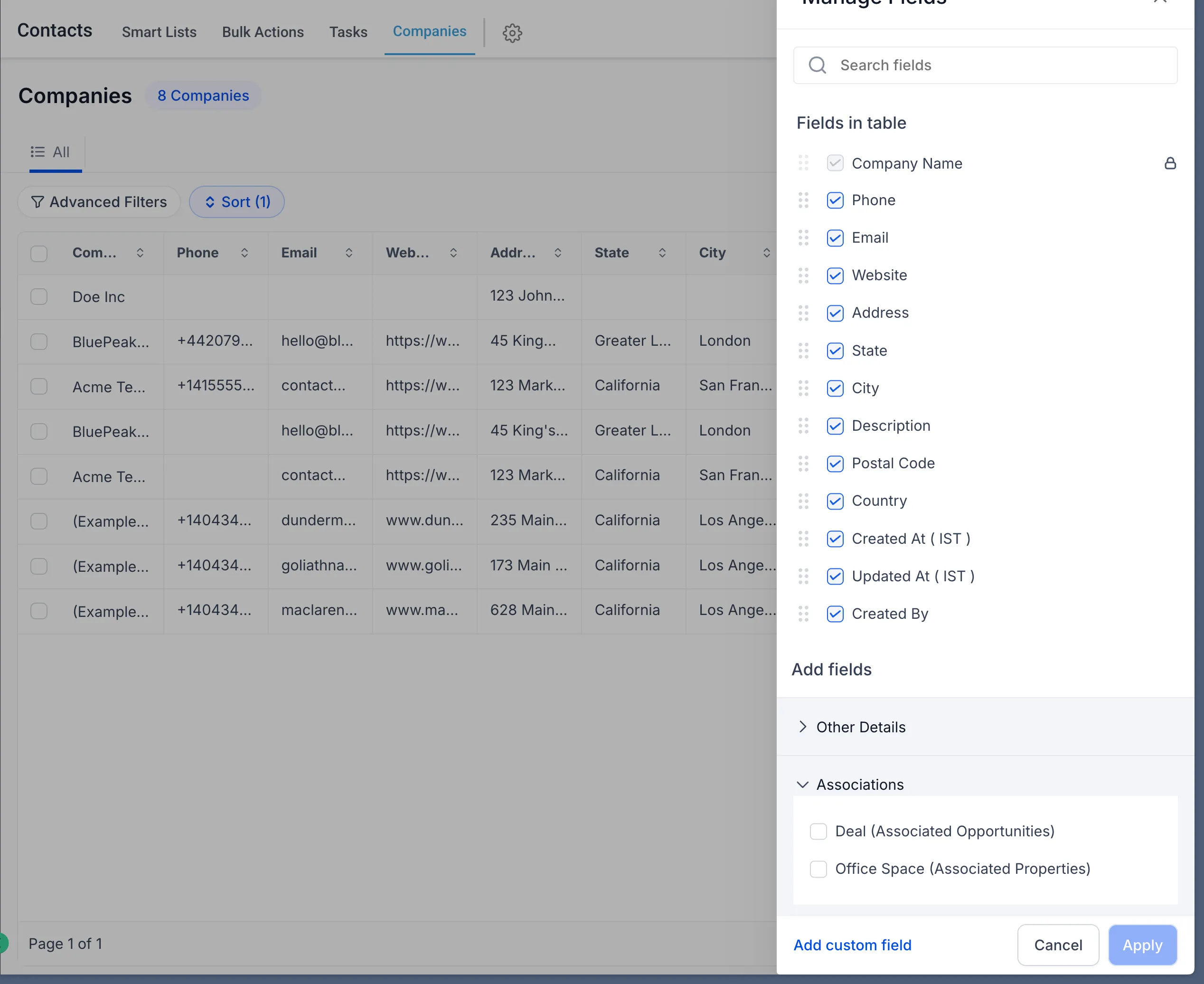
- See associated records in list views
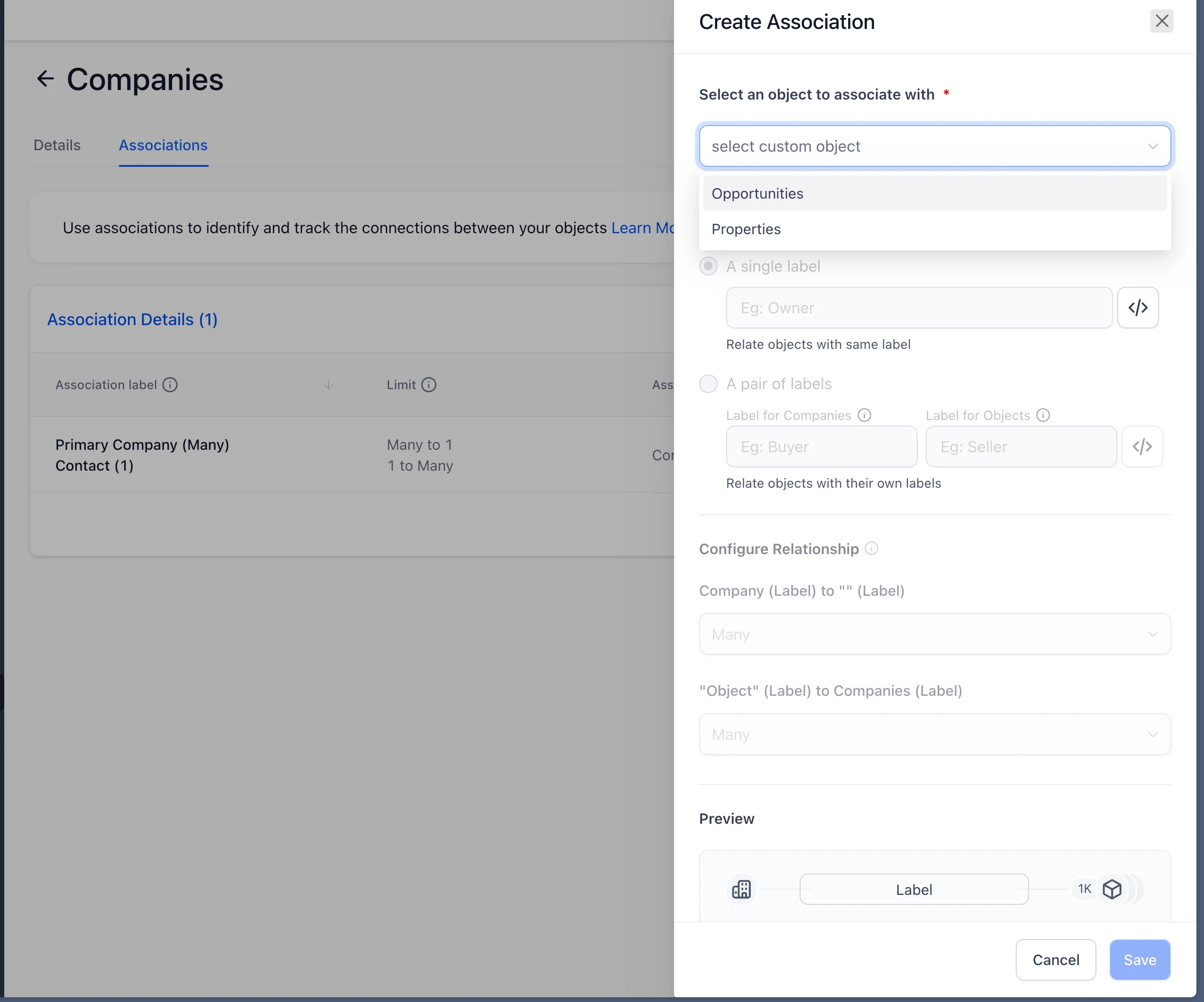
- Support one-to-one, one-to-many, and many-to-many relationships
This expands how data can be connected across your CRM and sales workflows.
Why it matters
Before this change, relationship mapping was more limited. With company associations available for custom objects and opportunities, teams can:
- Build richer data relationships beyond contact-based associations
- Get better context across opportunities, companies, and custom workflows
- Improve reporting and segmentation with more complete record connections
How to use it
- Go to Object > Companies > Associations.
- Click Create association to build associations between multiple objects.
- Open any custom object or opportunity record.
- Go to the Associations section.
- Select Add Company and choose the relevant company.
- Manage or update associations from the same panel at any time.
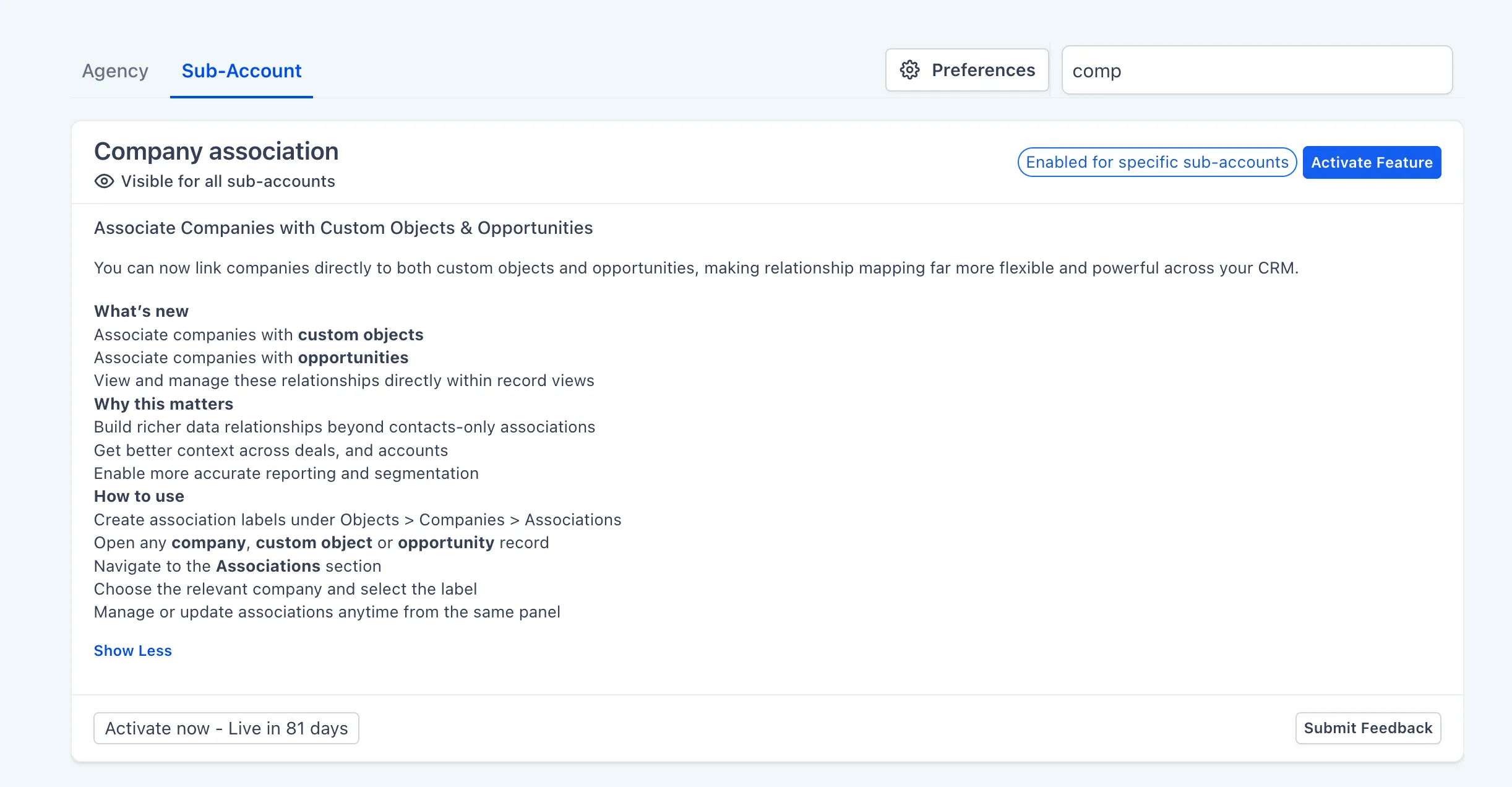
This feature is currently available in Labs inside your account.
In Case You Missed It
You can also read about Collapse and Resize Pipeline Stages in Kanban View.
Release Images
Need Help Applying This Update?
If you’d like help rolling this out in SMBcrm, visit Support or request a demo.