Conversation Views: Save Filters, Work Faster
Conversation Views in SMBcrm help you save your most-used inbox filters as reusable views, so you can jump between different conversation priorities without rebuilding filters each time. This is especially useful if you routinely monitor the same groups of conversations, like:
- Unassigned conversations
- Conversations from specific channels
- High-priority chats based on specific tags
What Conversation Views do
Instead of repeatedly setting the same filters in Conversations, you can create a named view that always loads those criteria. This can make daily inbox triage faster and more consistent, particularly for teams that manage a high volume of messages.
How to create a Conversation View
1) Open Views and create a new view
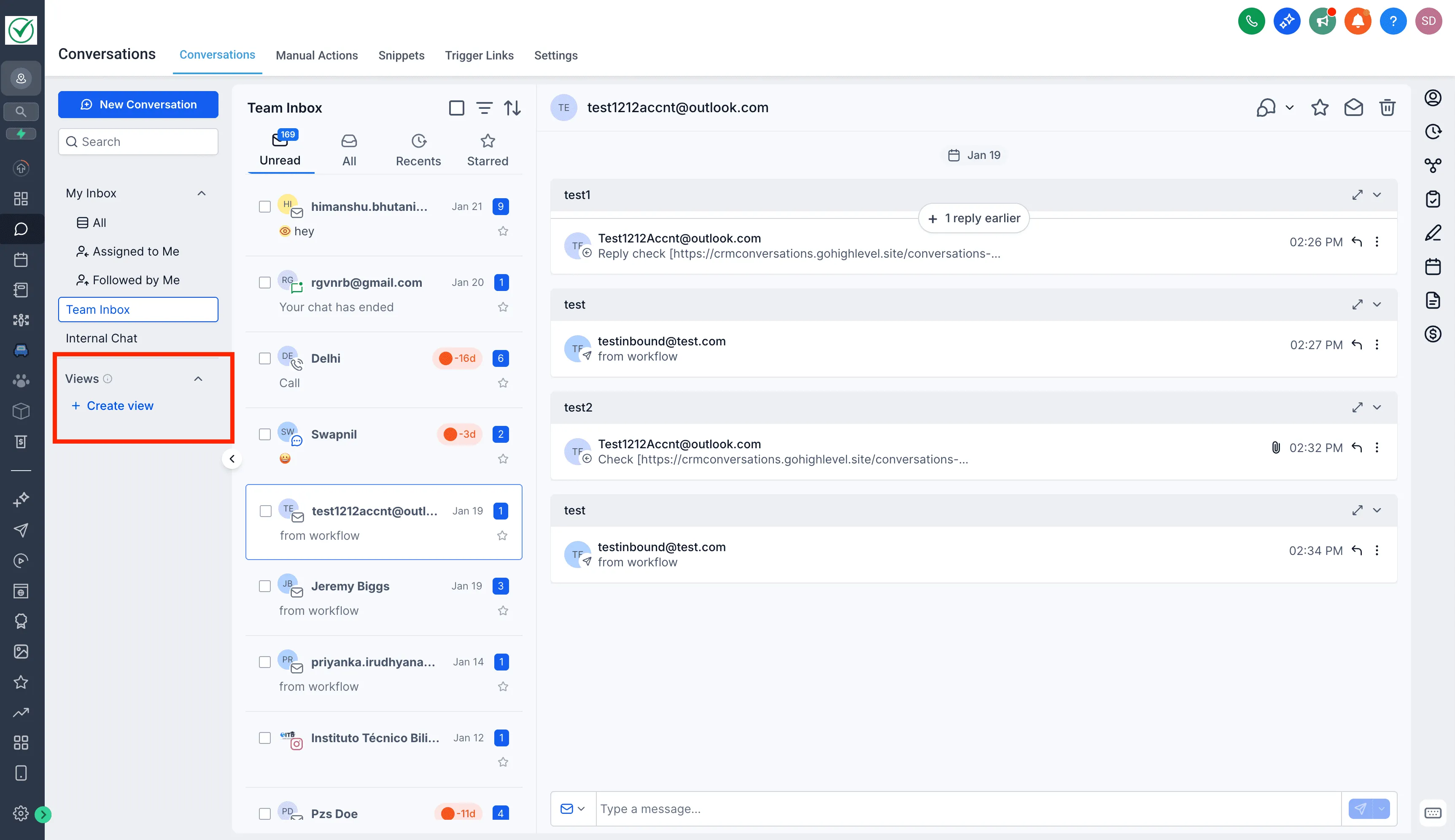
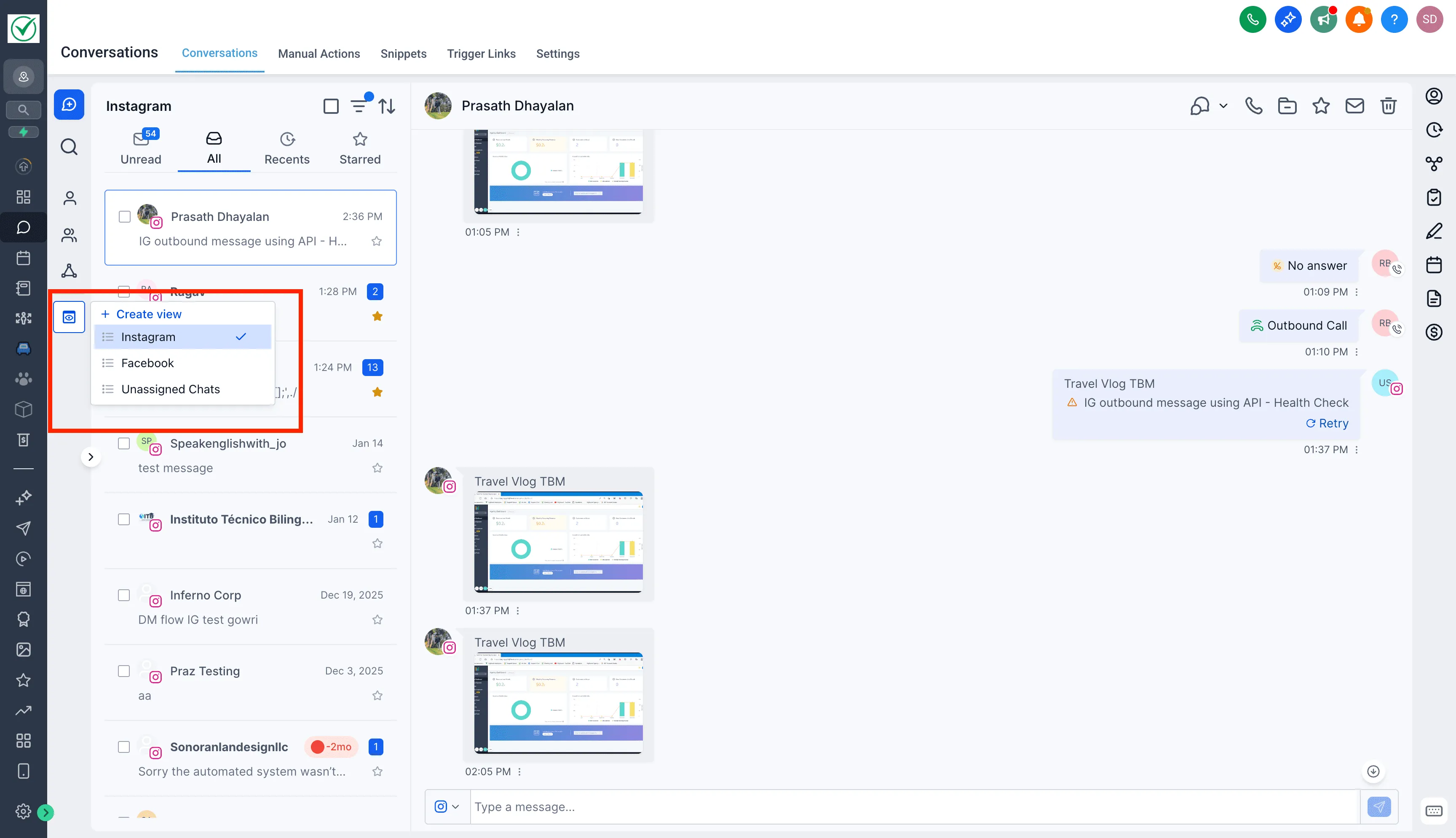
Go to Conversations, then find the Views section in the Inbox panel and click + Create View.
2) Add filters and name your view
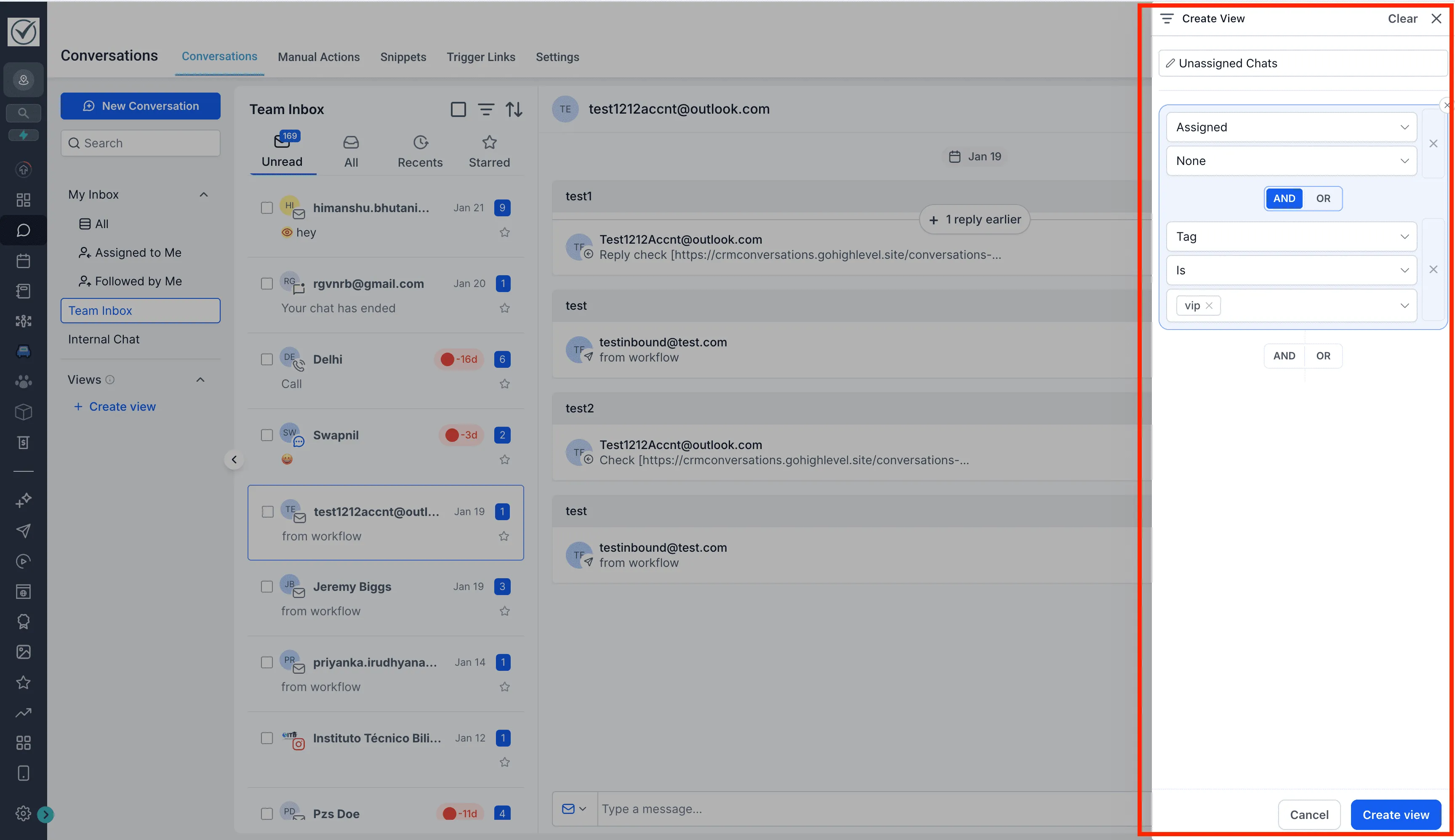
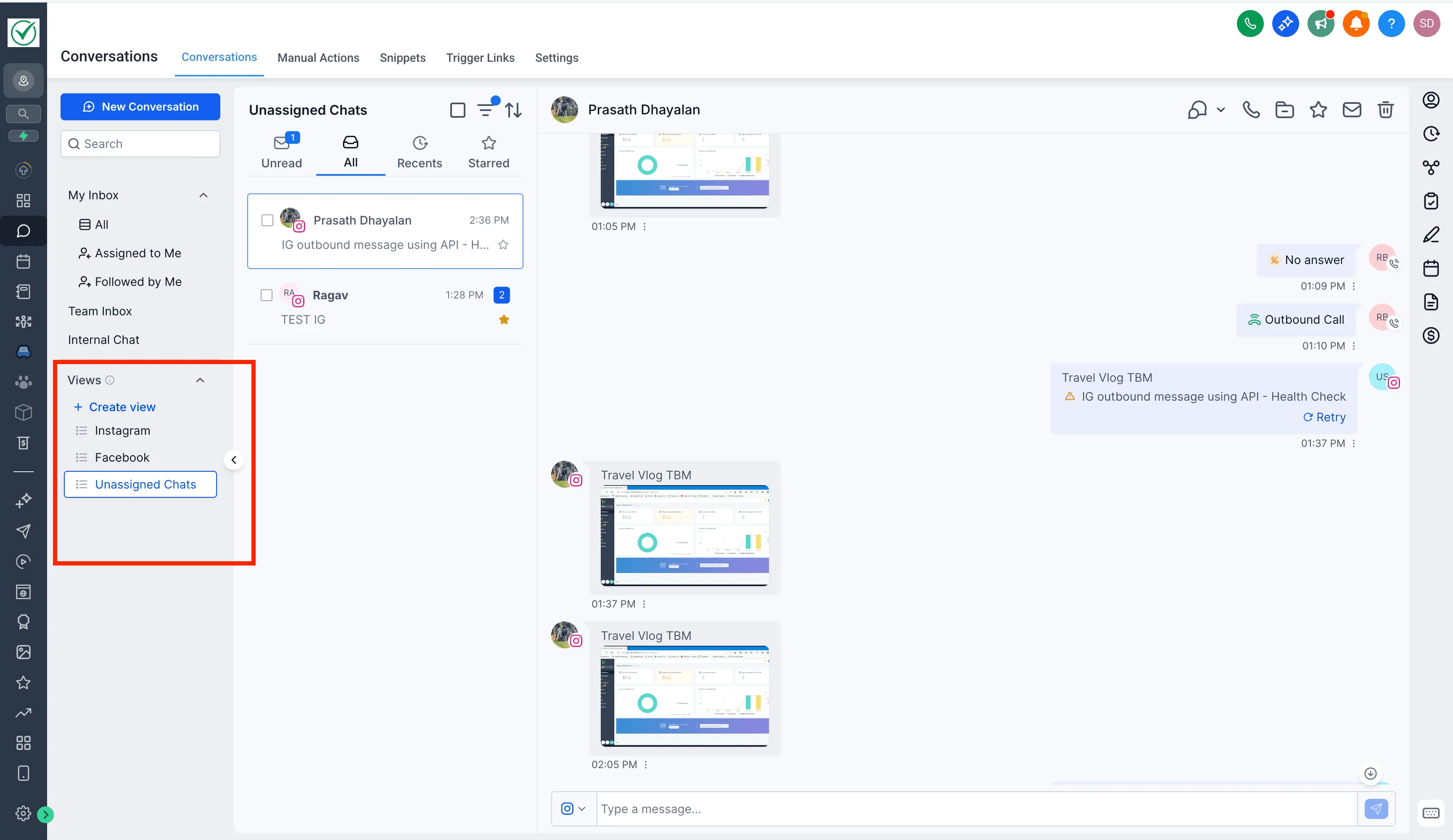
Choose the filters you want, then give the view a clear name. Once saved, the view appears in the Inbox panel and displays all conversations that match your selected filters.
3) Share views (Admins)
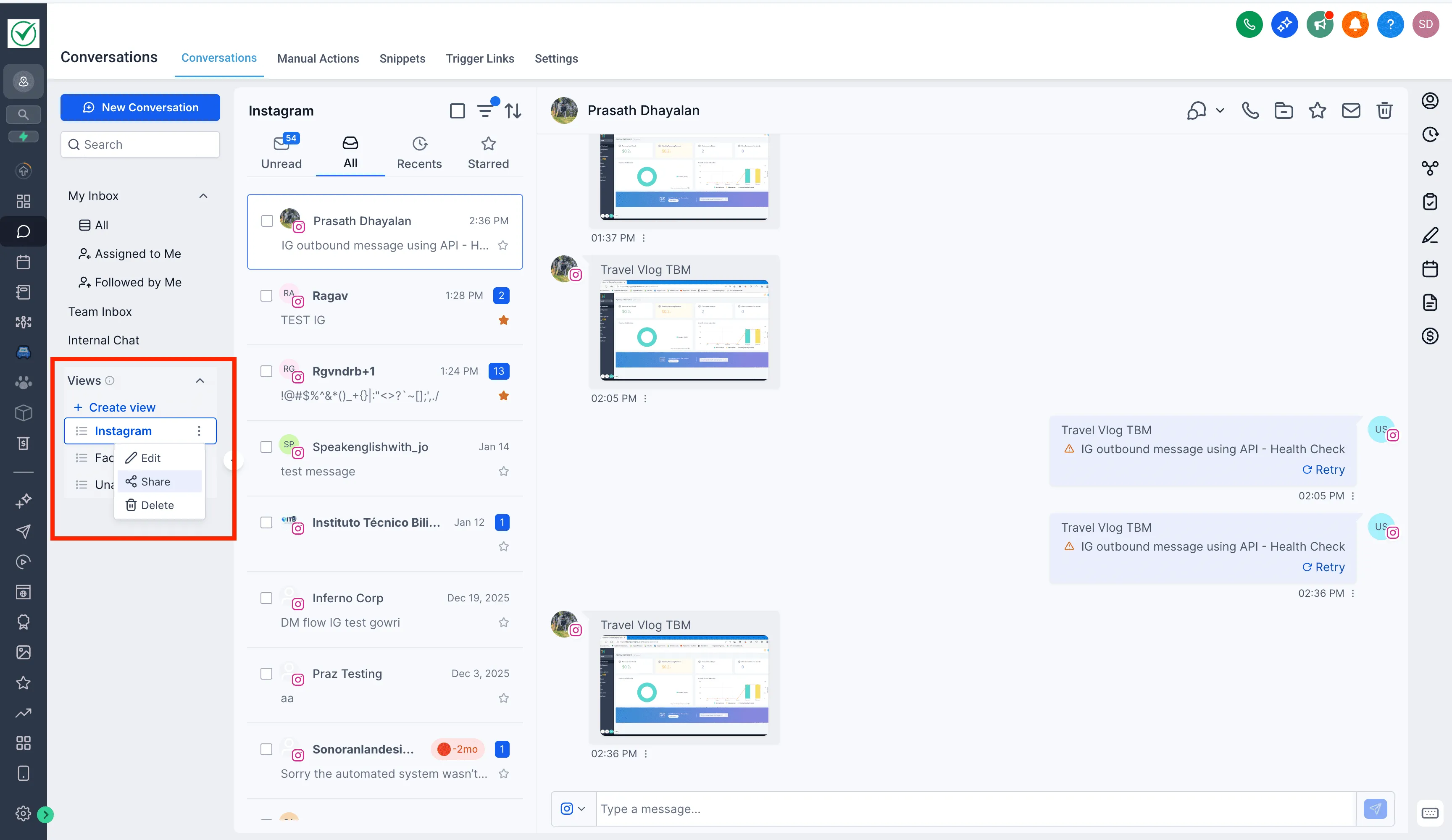
By default, views are visible only to the user who creates them. Admins can share views with other users from the view menu, which can help teams stay aligned on how they manage and prioritize conversations.
Why it matters
Conversation Views are designed to reduce repetitive work and help you stay focused:
- Quickly switch between commonly used conversation filters
- Stay focused on high-priority or unassigned conversations
- Reduce repetitive filtering and save time
- Keep teams aligned with shared views (when enabled by an admin)
Availability and requirements (Labs)
Conversation Views is a Labs feature and is available only on the New Conversations interface. To use it:
- Enable Conversation Views: Save Filters, Work Faster in Labs
- Enable the CRM Redesign: Conversations and Contacts Page (Beta) in Labs to access the new interface
If you need help enabling this feature, visit our Support page or Contact Us.