Conversations Usability Improvements
SMBcrm has updated Communication workflows in Conversations to reduce friction during active chats and calls. These changes make it easier to update contact details, switch channels, and move through the interface without losing context.
What changed
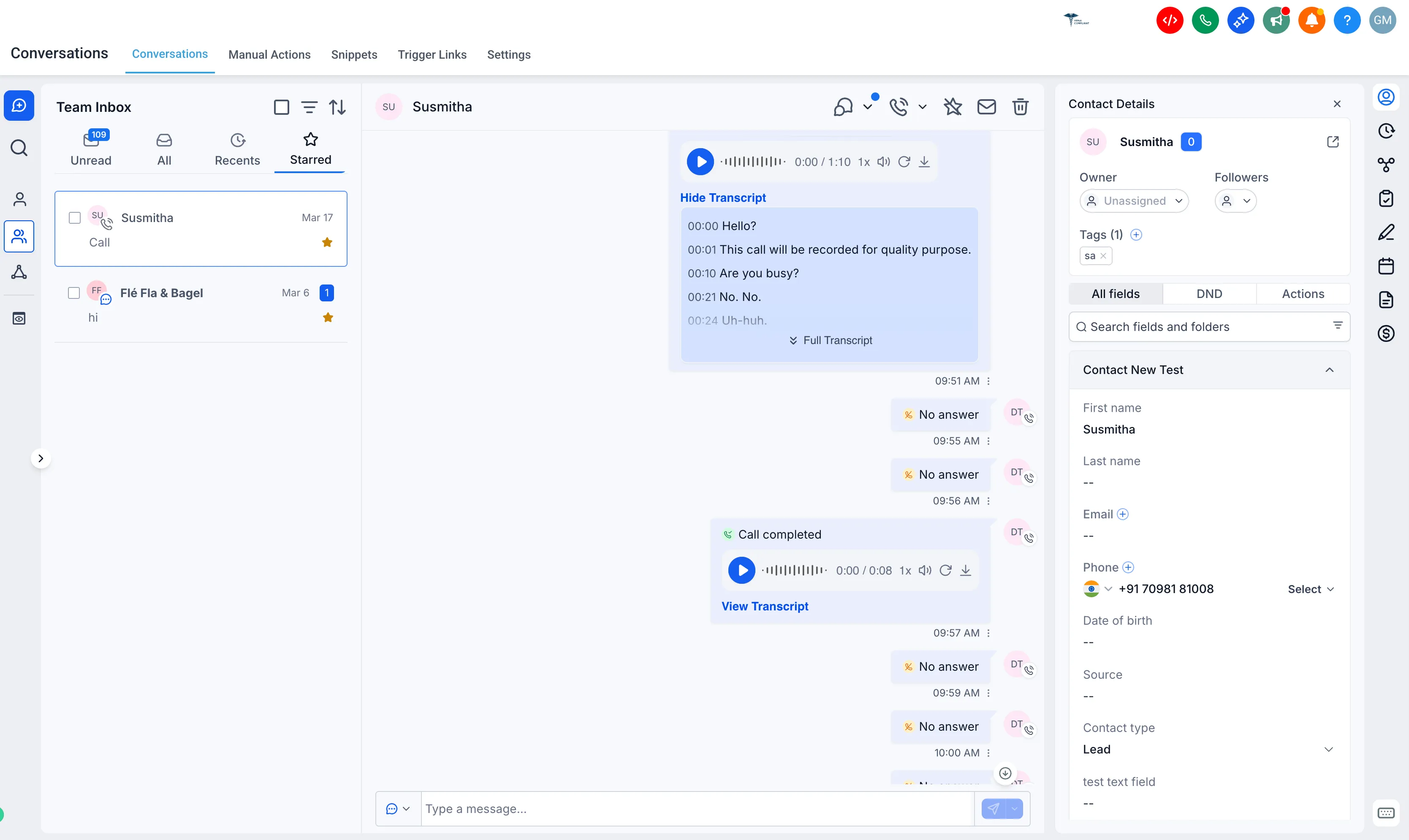
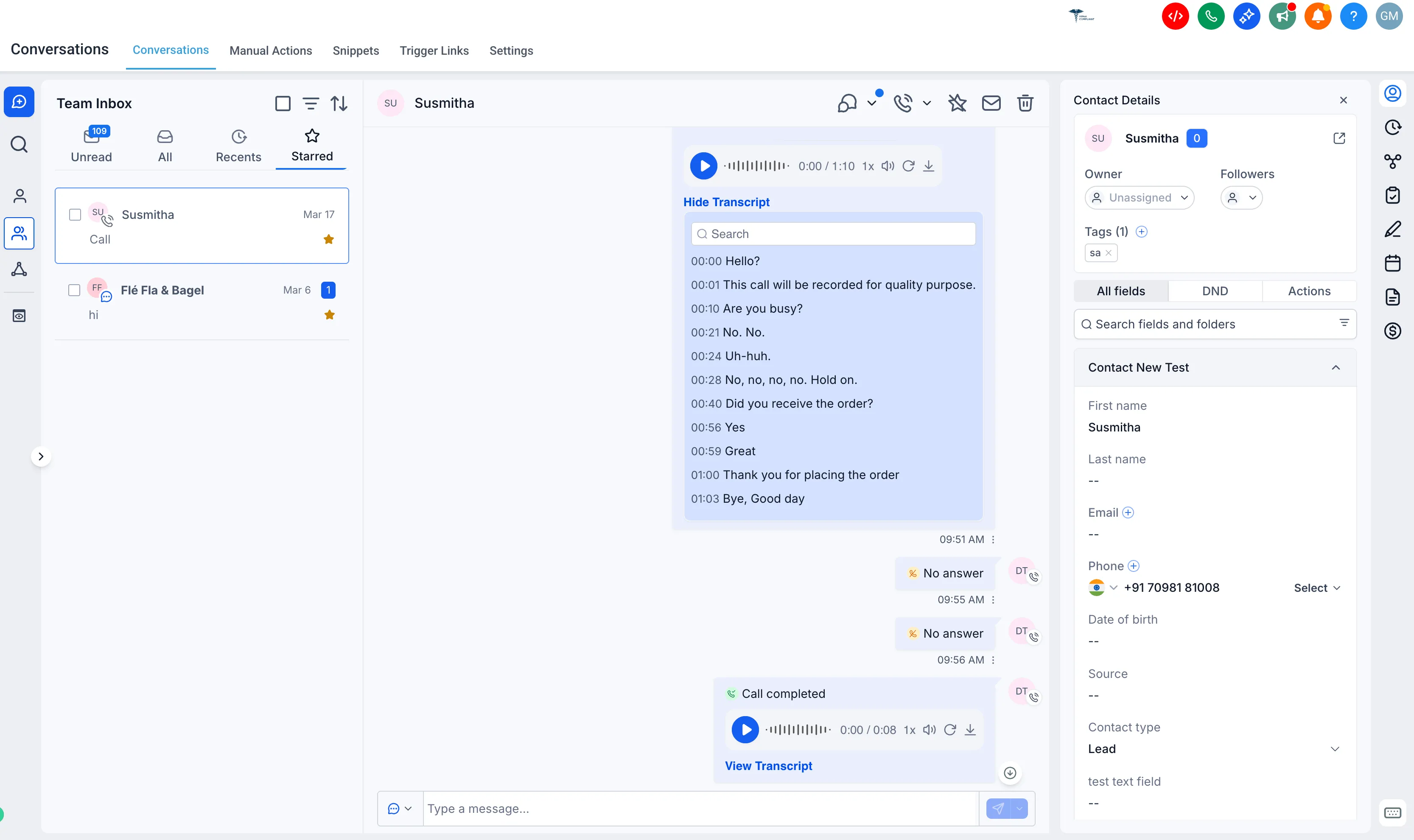
View call transcripts and update contact details at the same time
Previously, opening a call transcript covered the contact details panel. Now, call transcripts open in the center panel so you can review the transcript and update contact information at the same time.
Send emails during calls without refreshing
If a contact shared their email address during a call, adding it previously did not enable the email channel until the page was refreshed. The composer now updates in real time, so you can stay on the call and send an email without interruption.
Call option restored when starting a new conversation
The call option is again available when you start from the Create New Conversation flow, making it easier to place a call from a new conversation.
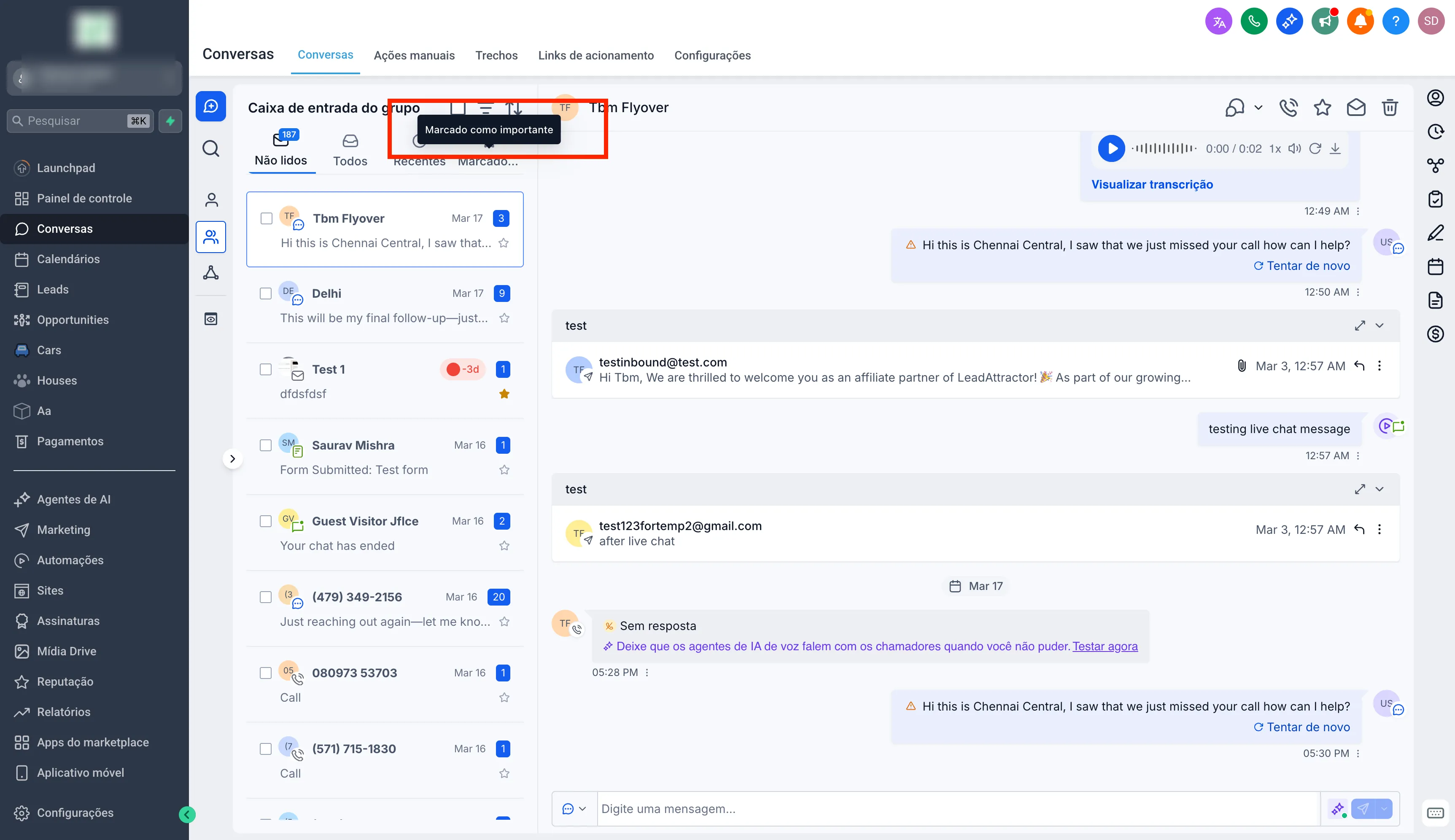
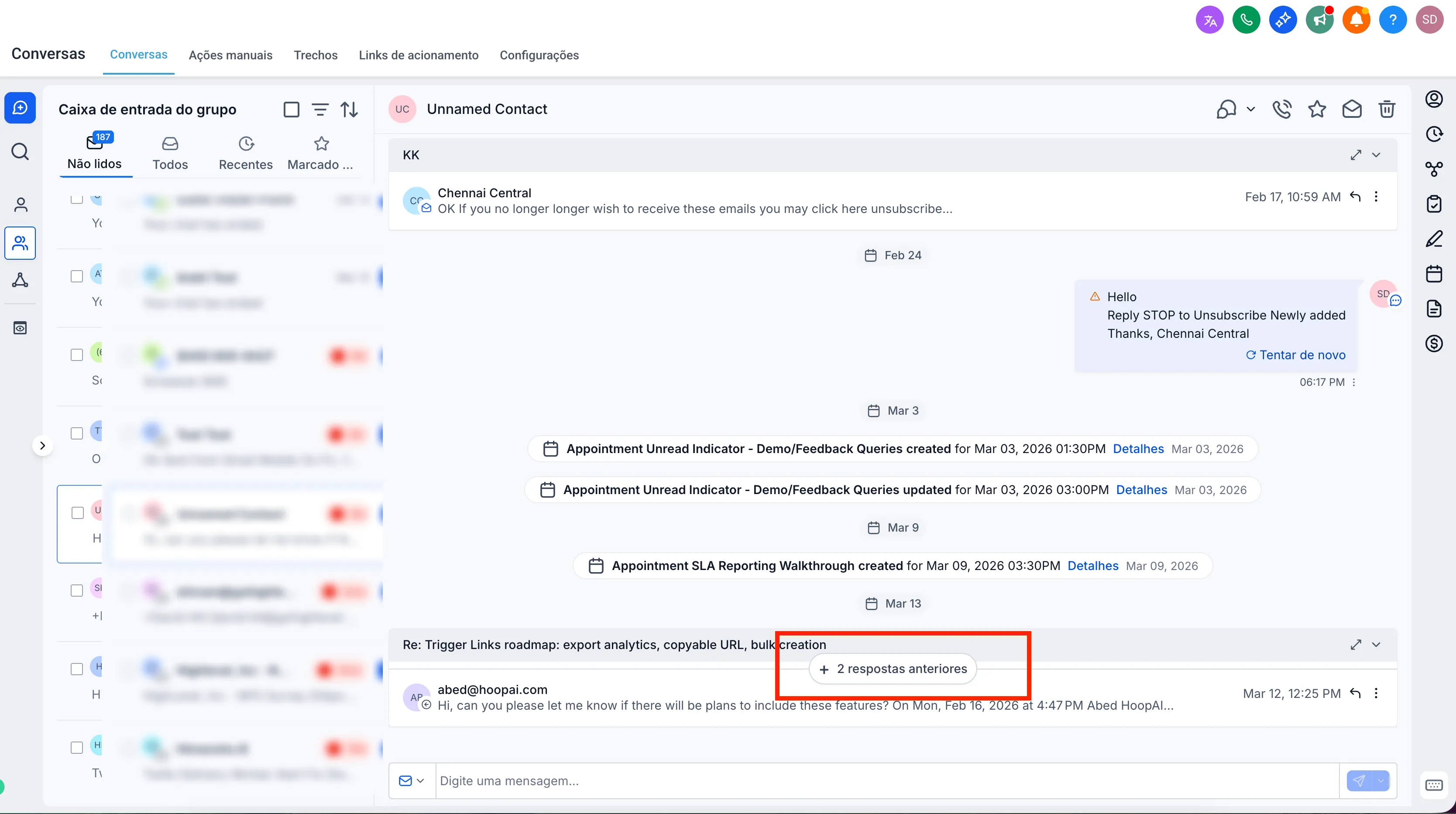
Better translations and support for longer text
SMBcrm has added missing translations and improved how longer text is handled in the interface. This helps prevent layout issues and keeps the Conversations experience more consistent across languages.
Why it matters
These usability improvements help teams work faster in Conversations, especially during live calls where context switching and page refreshes can interrupt communication.
In Case You Missed It
You can also read about Improved Appointment Booking in Opportunities.
Need Help Applying This Update?
If you’d like help rolling this out in SMBcrm, visit Support or request a demo.