Improved Appointment Booking in Opportunities
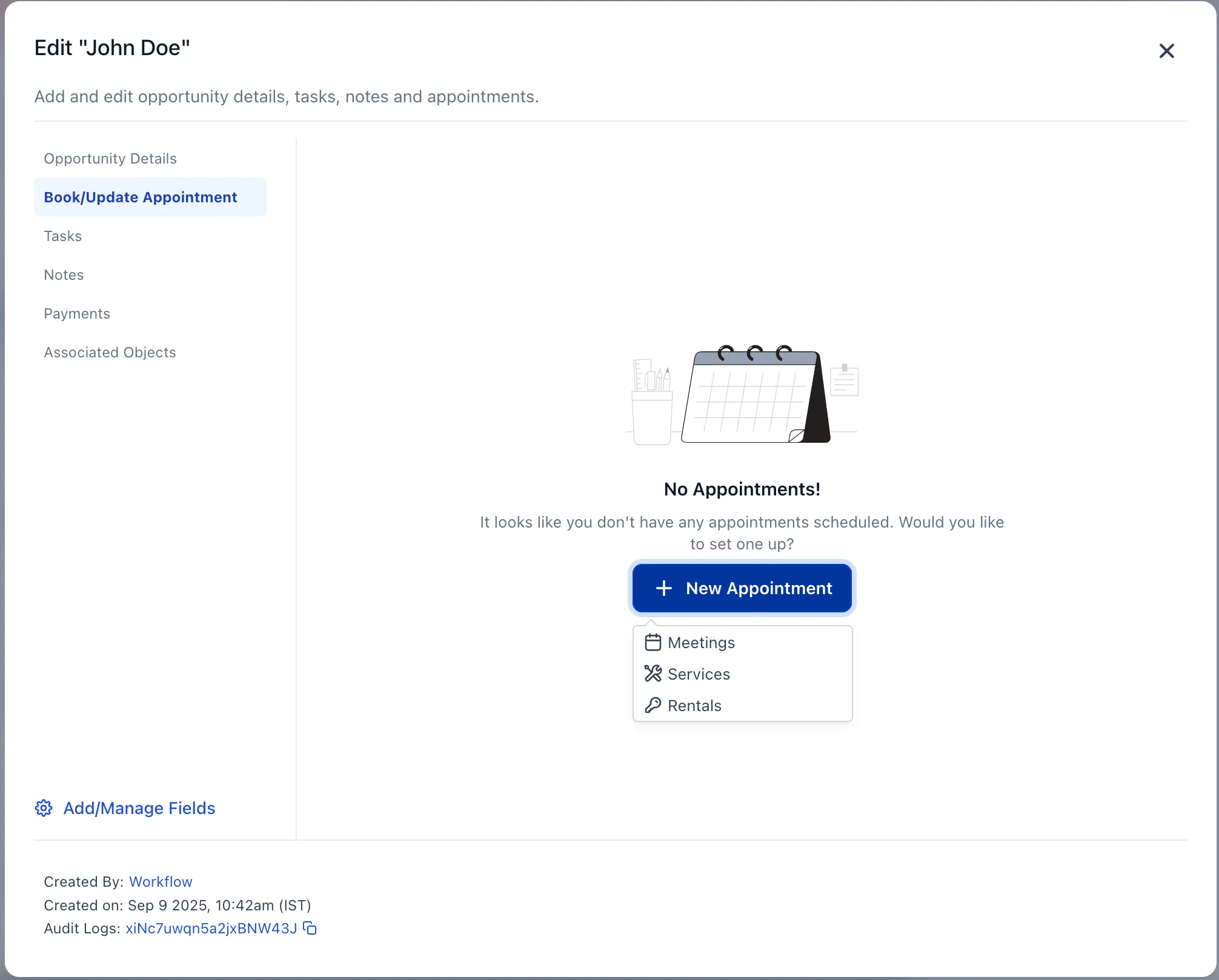
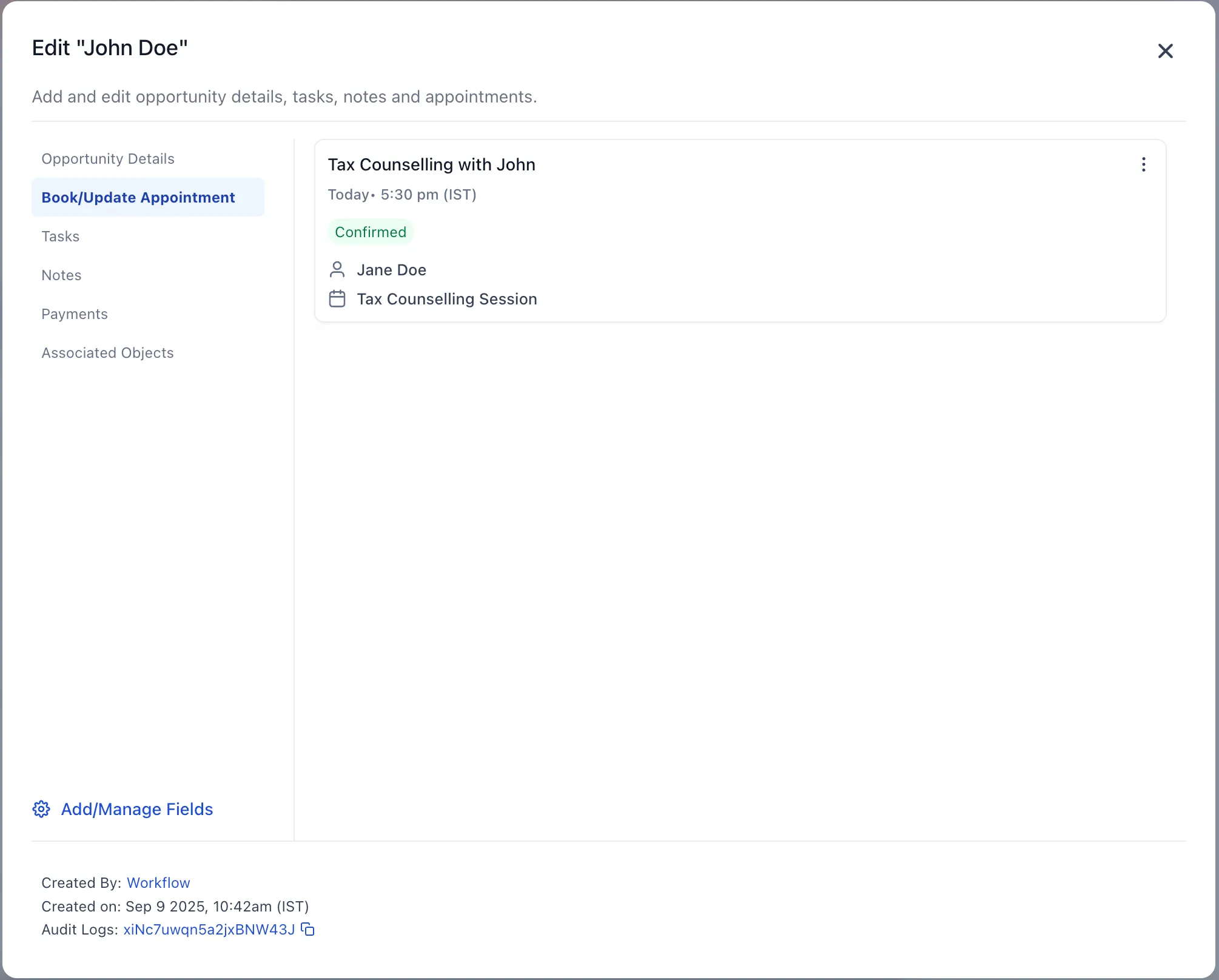
Appointment booking inside Opportunities now uses a more complete and consistent scheduling flow. Users can create, update, view, or delete an appointment from the opportunity using the same experience used across meetings, services, and rentals.
For teams managing deals in the CRM, this helps keep scheduling tied directly to the opportunity while reducing extra steps.
What changed
- Booking and editing appointments in Opportunities now opens the newer appointment modal.
- The experience matches the scheduling flow used for meetings, services, and rentals.
- Existing appointments open with pre-filled details for faster updates.
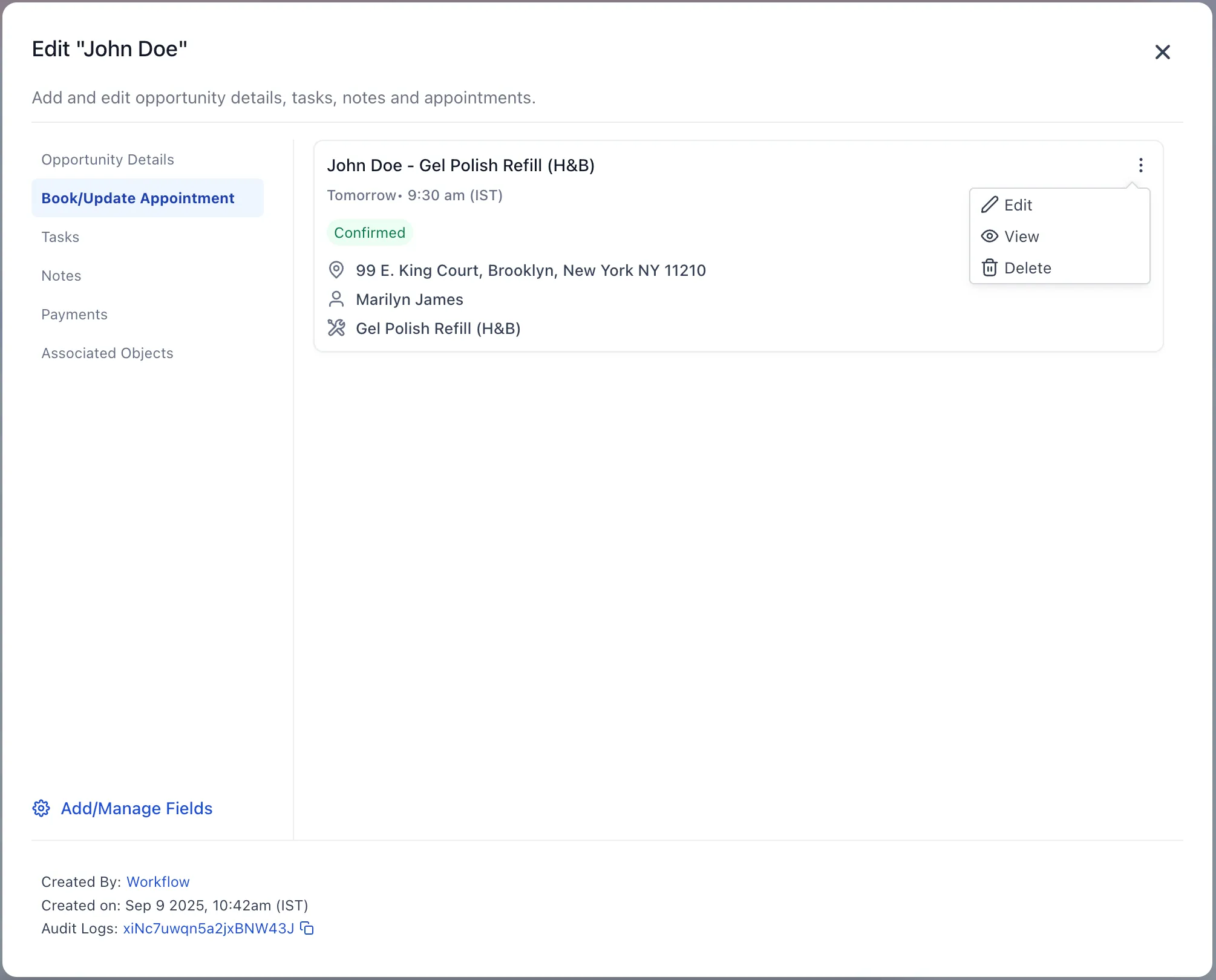
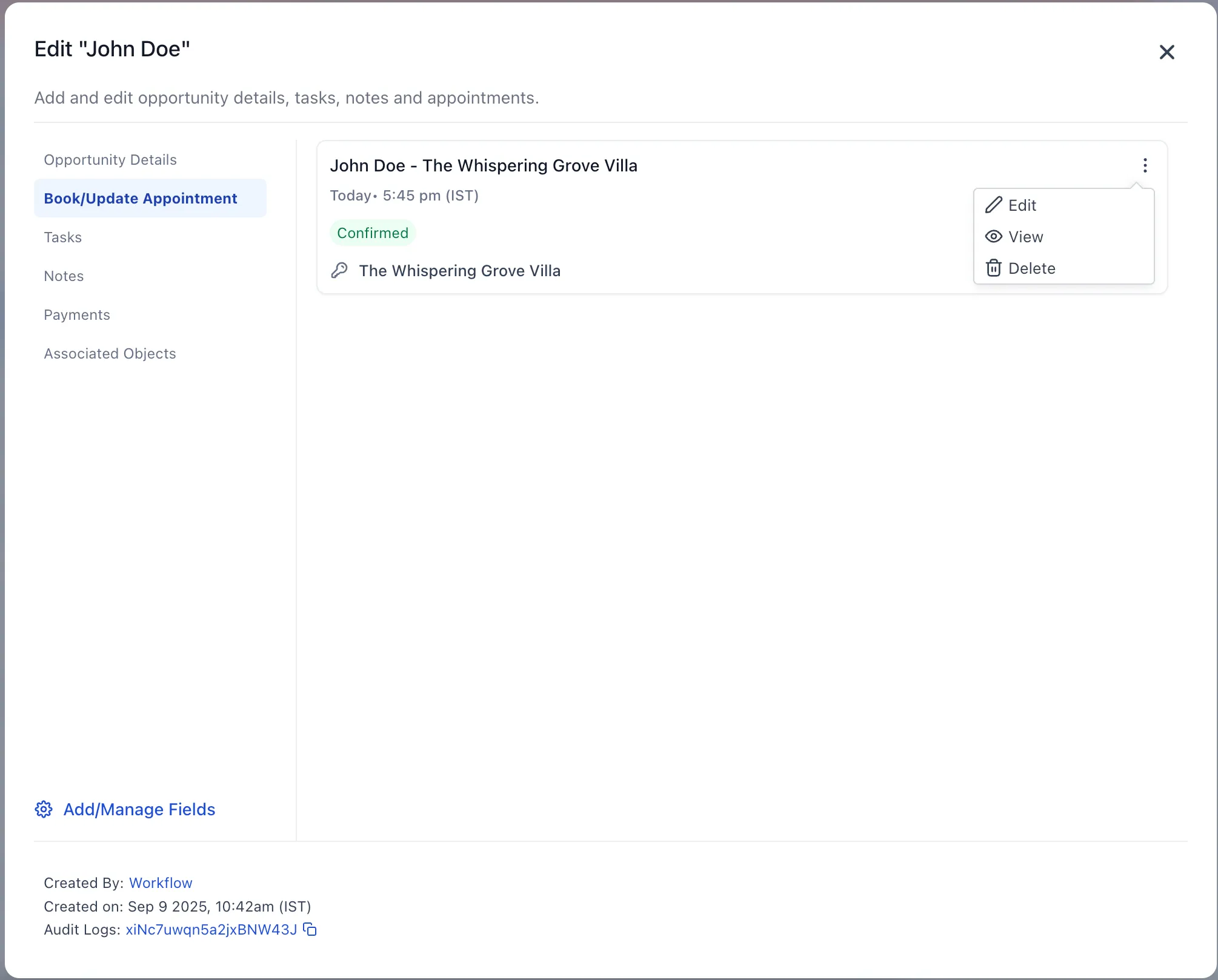
- Users can view, edit, or delete an appointment directly from the opportunity.
How it works
- Open Opportunities.
- Select an opportunity.
- Click Book/Update Appointment.
- If no appointment exists, create a new one.
- If an appointment already exists, you can view, edit, or delete it.
Why it matters
- Creates a more consistent scheduling experience across SMBcrm.
- Reduces friction when updating appointments tied to a deal.
- Keeps appointment details connected to the opportunity record.
- Gives users access to fuller scheduling functionality in one place.
Current behavior
At this time, each opportunity supports one appointment that can be updated as needed.
In Case You Missed It
You can also read about AI Builder can now configure and rename workflows.
Release Images
Need Help Applying This Update?
If you’d like help rolling this out in SMBcrm, visit Support or request a demo.