Quiz Results Page CTA Section Enhancements
We’ve updated the CTA section on the Quiz Results Page to make setup faster and more consistent, especially for quizzes that use multiple tiers like Low, Medium, and High. The goal is to reduce repetitive configuration work while giving you more control over how results are presented to quiz takers.
Default values by tier (faster setup for multi-tier quizzes)
When you configure a CTA for the first tier in a category (for example, the Low tier), SMBcrm will automatically use those values as defaults for the remaining tiers (Medium and High) in the same category.
This includes:
- Section Content
- CTA Name
- CTA Link
This helps you build tiered quiz results quickly without re-entering the same CTA details multiple times.
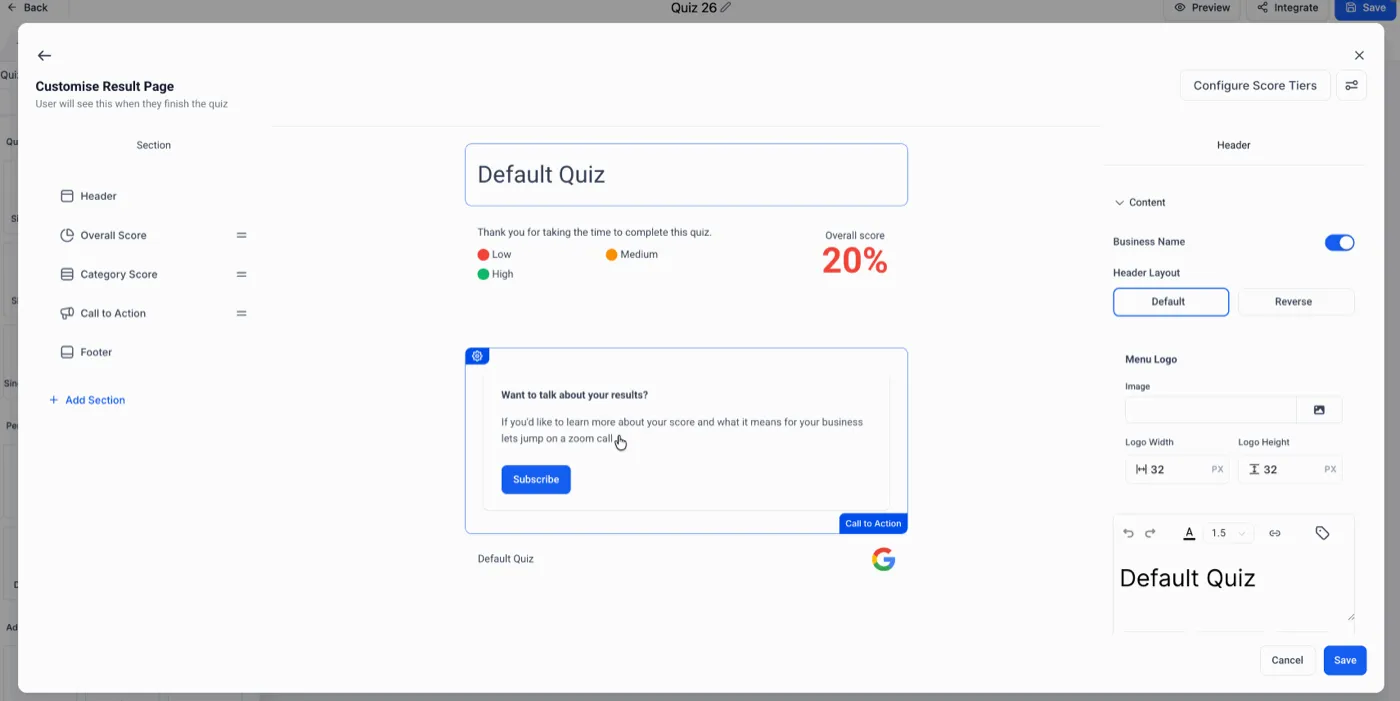
Smarter display logic for cleaner quiz results
You can now intentionally show results content without displaying a CTA button.
If the CTA Name or CTA Link is left blank for a tier:
- The CTA button will be hidden
- The tier content will still display
This is useful when you only want a CTA for specific outcomes (for example, showing a booking link for High intent results but keeping Low intent results informational only).
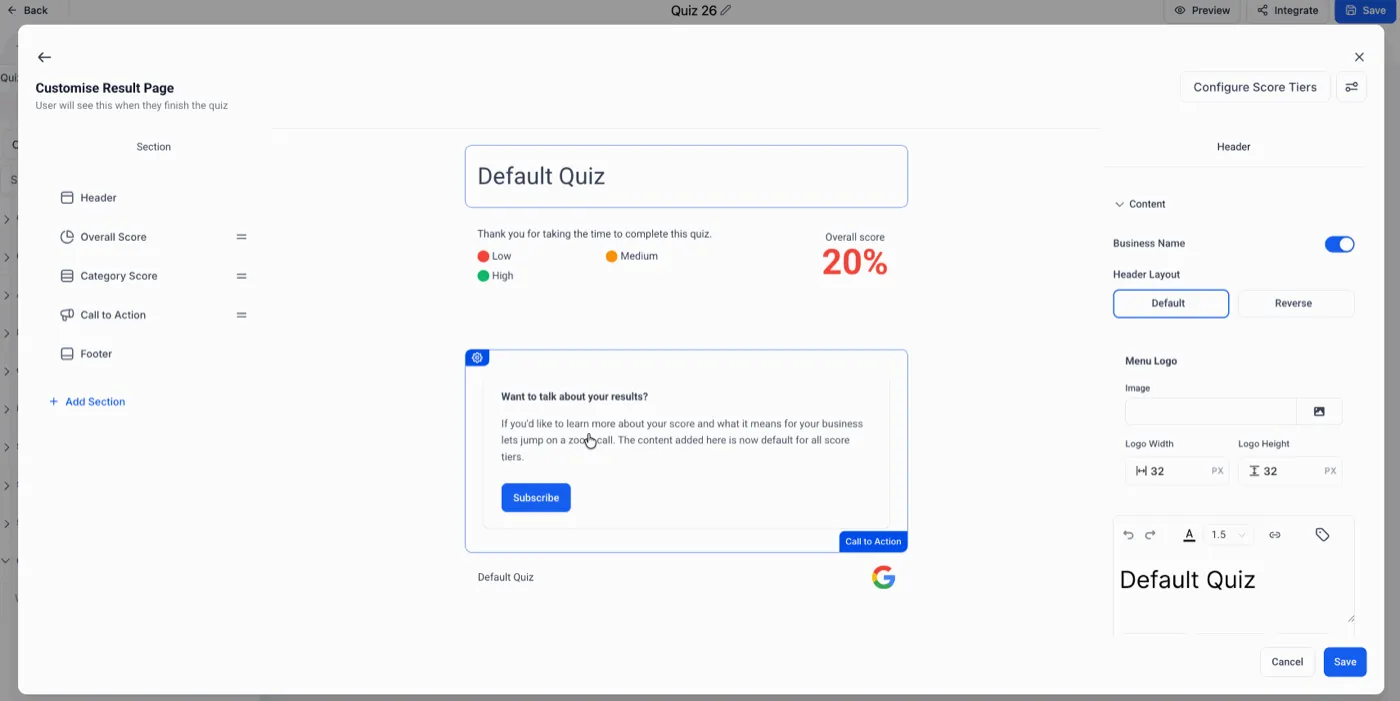
Applies to new and existing quizzes (with one important note)
New quizzes
All newly created quizzes will use this behavior by default.
Existing quizzes
These enhancements will apply after the quiz is re-saved in the builder. If you want an older quiz to use the new CTA behavior, open it and save it again.
How it works in the quiz builder
- Configure the CTA for the first tier in a category (example: Low)
- The CTA Name and CTA Link auto-fill as defaults for other tiers in that category
- If you leave the CTA Name or CTA Link blank in any tier, the CTA button will not appear for that tier
- For older quizzes, re-save the quiz to apply the enhancements
Practical benefit for SMBcrm users
These improvements reduce setup friction for multi-tier quizzes and help you control when a CTA should appear based on the user’s result. That means less repetitive work for your team and a cleaner, more intentional experience for leads on the results page.
If you need help building or optimizing quizzes, visit our Support page or Contact Us.