Reputation Review Requests Now Include Search and Filters
The Review Request page now includes search and filtering tools to help users find requests faster. This update improves day-to-day management for teams using Reputation & Growth.
What Changed
Users can now search review requests from the top of the page using:
- Contact name
- Phone number
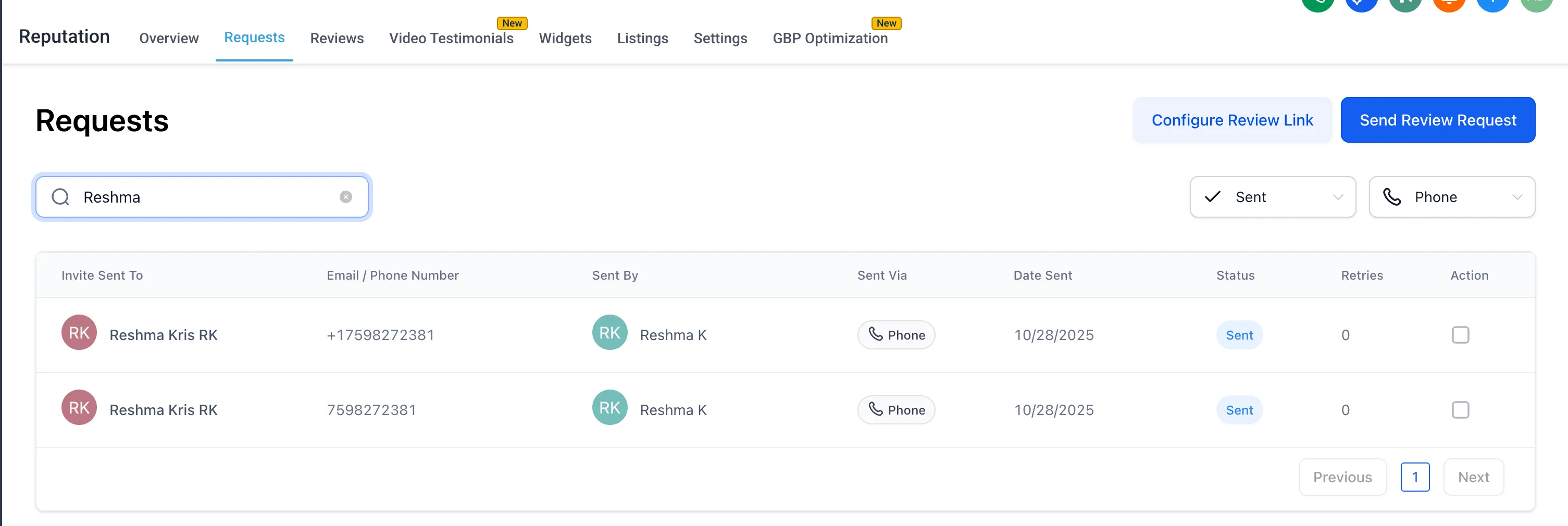
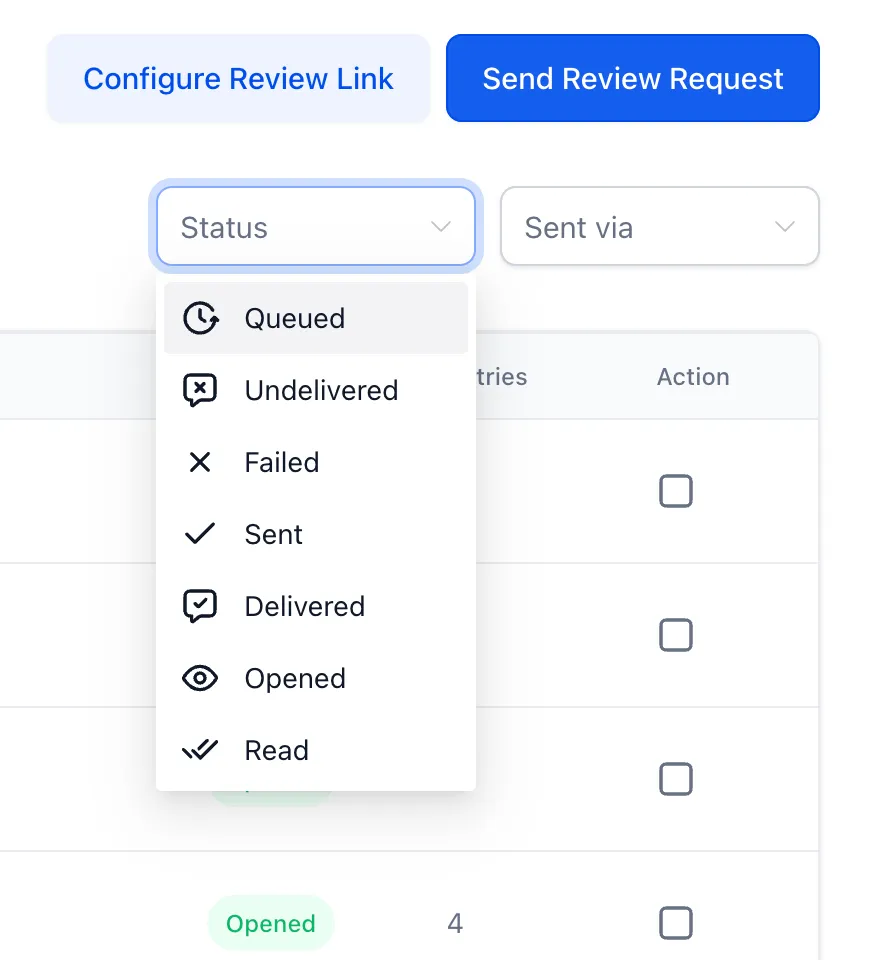
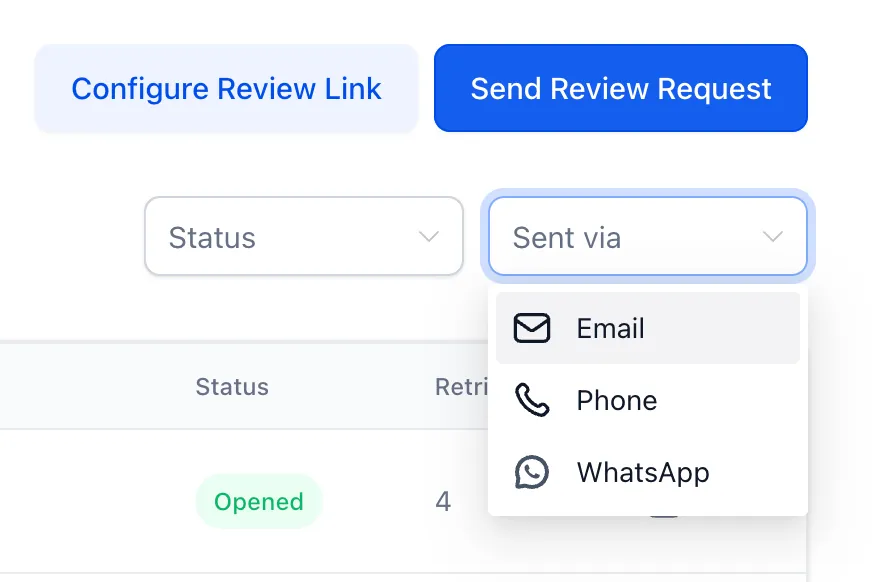
The page also now supports filters for:
- Channel, including WhatsApp, Email, and Phone
- Status, including Failed, Undelivered, Sent, Opened, and other supported states
Additional behavior improvements include:
- Case-insensitive search for easier matching
- Dynamic result updates without a page reload
- Pagination that stays in sync with filtered and searched results
Why It Matters
Previously, users had to manually move through multiple pages to find a specific review request. That process could be slow and error-prone, especially in high-volume accounts.
With search and filters, users can locate the right request more quickly and take follow-up actions with better accuracy.
In Case You Missed It
You can also read about recent Conversations usability improvements.
Need Help Applying This Update?
If you’d like help rolling this out in SMBcrm, visit Support or request a demo.